
Ninja Theory’s Senua’s Saga: Hellblade II is universally recognized as the visual benchmark for this console generation. Powered by Unreal Engine 5's Nanite and Lumen, the game delivers photo-realistic Icelandic landscapes and mind-bending psychological horror. Here is how to achieve pristine performance on Xbox and PC.
Understanding the Xbox Series X 30FPS Cinematic Lock
On Xbox Series X and Series S, Ninja Theory made the controversial decision to lock the game to a letterboxed 30 FPS cinematic presentation. This was done to maximize micro-polygon geometry via Nanite and software-based ray-traced lighting via Lumen across every square inch of screen real estate.
Thanks to immaculate per-object motion blur, low input latency pipelines, and flawless frame pacing, the 30 FPS experience feels surprisingly fluid on modern OLED TVs with VRR enabled.
- Lumen Global Illumination: Fully dynamic bounce lighting from volcanic fires and storm clouds with zero pre-baked lightmaps.
- Virtual Shadow Maps: Razor-sharp, non-aliased shadows cast by individual hair strands and rock pebbles.
- Binaural 3D Audio: Spatial audio positioning that places the voices in Senua's head directly inside your ear canals.
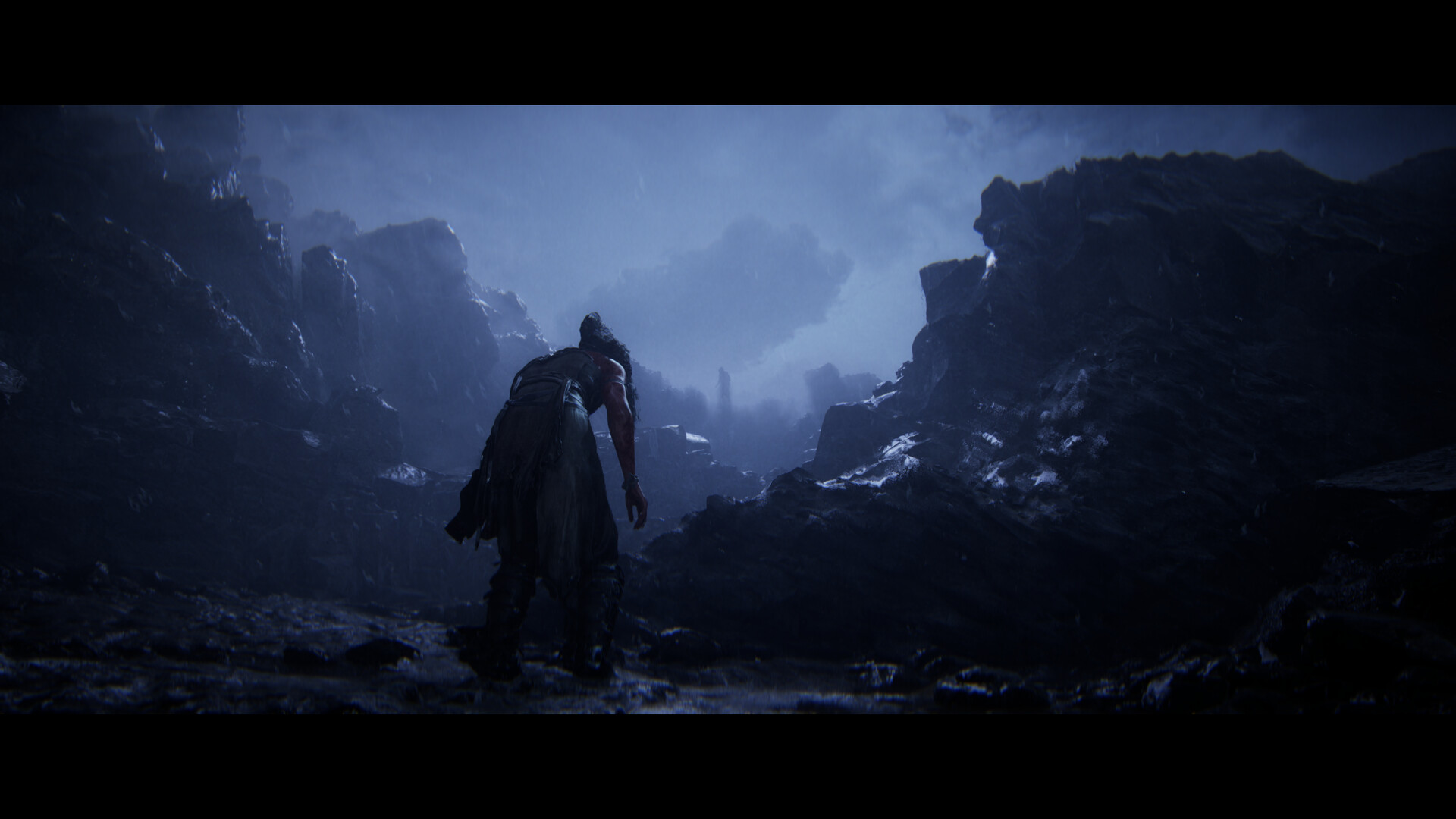
Recommended PC Graphics Settings for Locked 60 FPS
PC players looking to break past 30 FPS will need to balance Unreal Engine 5's heaviest rendering pipelines. Here is our tested settings configuration for mid-range GPUs (RTX 3070 / RX 6700 XT):
| Graphics Option | Impact on FPS | Recommended Setting | Visual Fidelity Delta |
|---|---|---|---|
| Lumen Global Illumination | High (18-22%) | High | Essential for realistic bounce lighting |
| Lumen Reflections | High (15-20%) | Medium | Minor loss in glossy puddle reflections |
| Virtual Shadow Maps | Medium (10%) | High | Preserves crisp geometric shadow edges |
| Post-Processing & Bloom | Low (4%) | High | Retains cinematic anamorphic lens flares |
| Upscaler (DLSS / FSR / TSR) | Boost (+35-45%) | Quality Mode | Crisp 1440p / 4K output resolution |
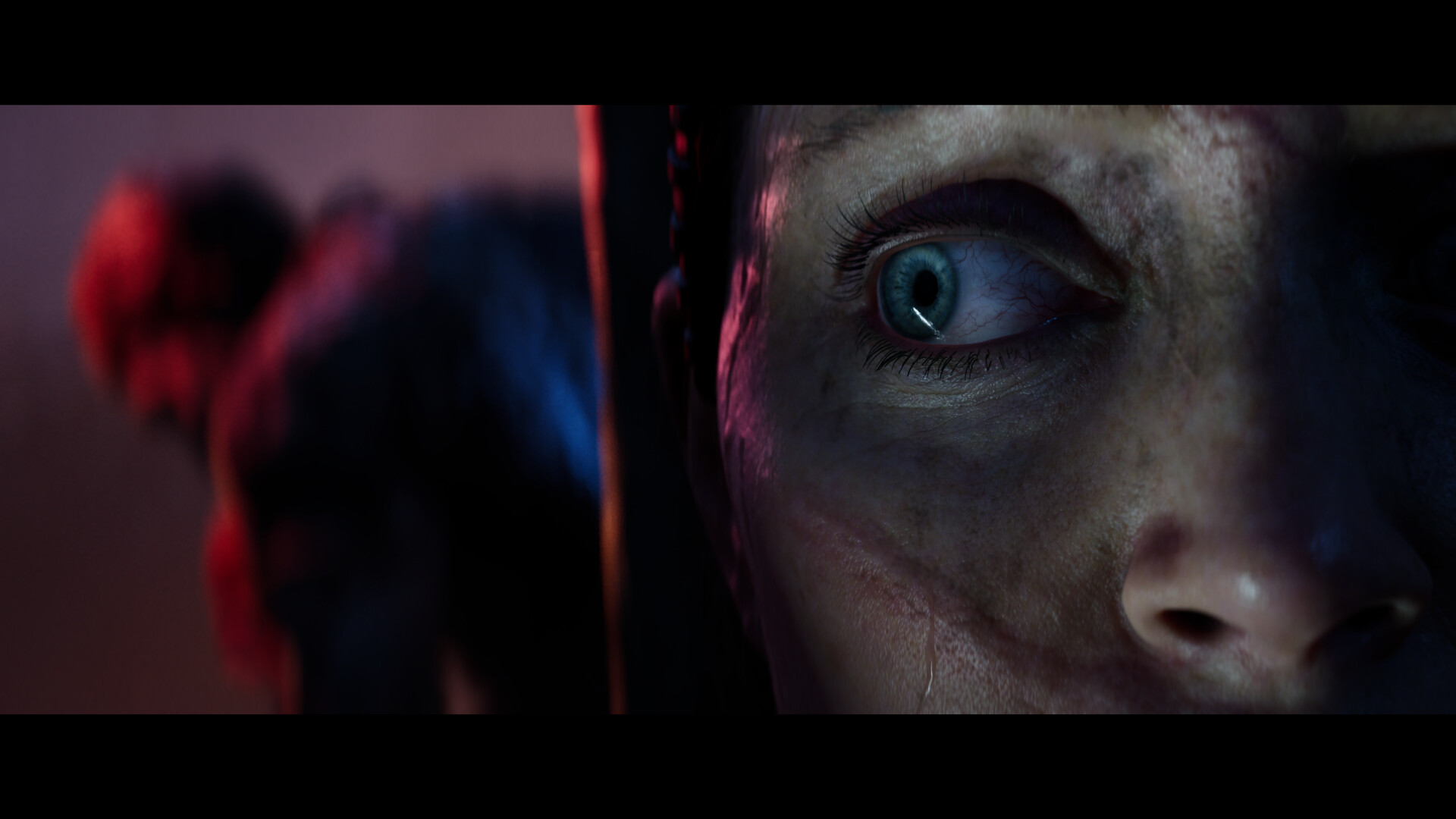
“We did not want our world to look like a video game level. We wanted it to look like real, terrifying historical Iceland.”
Handheld PC Optimization (ROG Ally & Steam Deck)
Running Hellblade II on portable handhelds like the ASUS ROG Ally or Steam Deck requires aggressive use of TSR (Temporal Super Resolution) or FSR 3.1 with dynamic resolution scaling set to a 30 FPS target. Lock TDP to 25W for consistent frametimes during the intense Draugr combat setpieces.
Play on Xbox Game Pass Ultimate
Senua’s Saga: Hellblade II is included with Xbox Game Pass on Console, PC, and Cloud. Make sure you play with a high-end pair of headphones to fully experience the binaural soundscape.


Discussion.
0 commentsNo comments yet — be the first to weigh in on this story.